 Volumora
Compare Mac utilities
How Volumora compares with the Mac utilities you already know
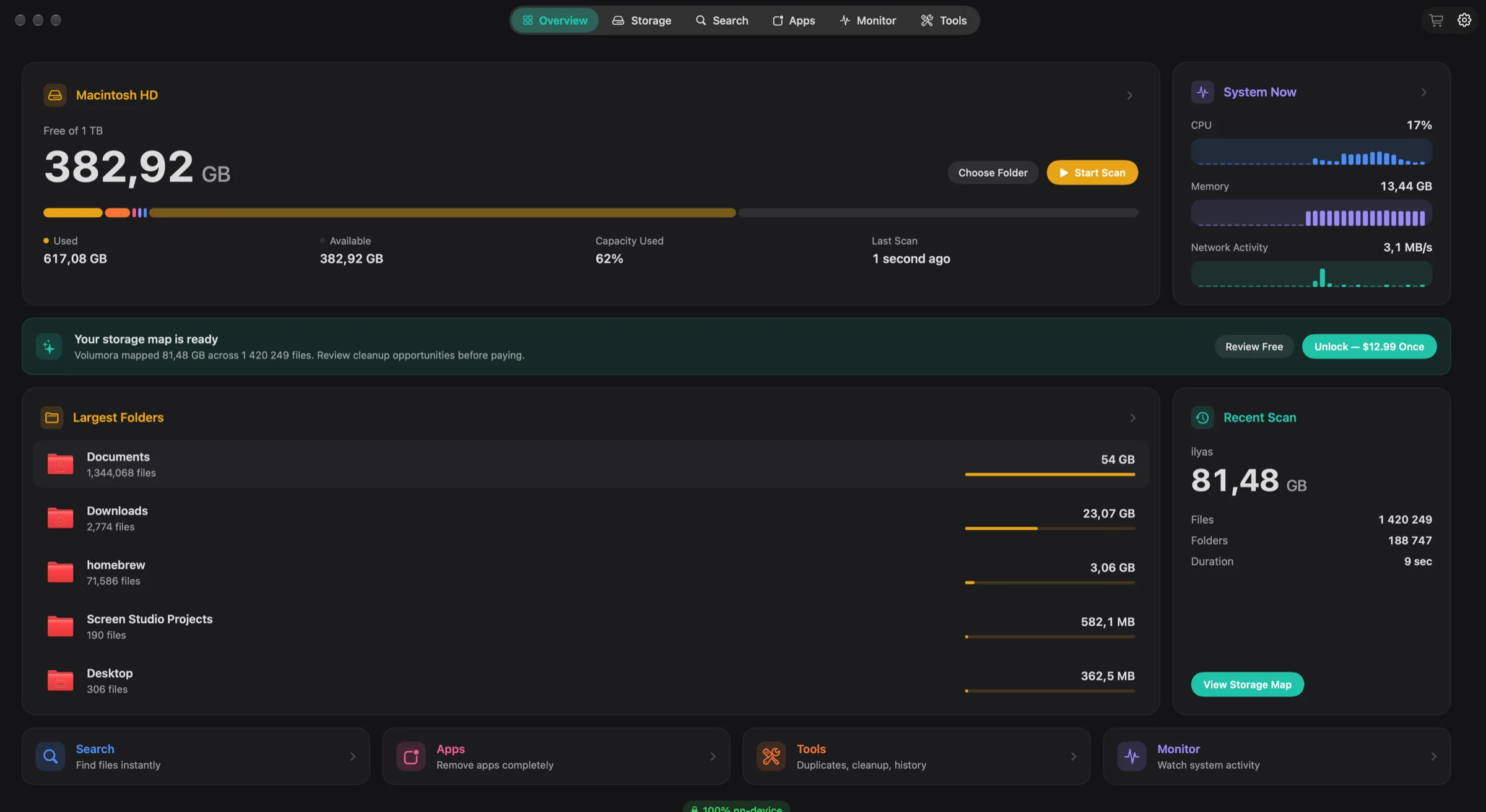
Most people find Volumora while looking for something specific: a disk map like DaisyDisk, a cleaner like CleanMyMac, an uninstaller like AppCleaner, or a menu bar monitor like iStat Menus. Volumora overlaps with each of them, but it is not a copy of any. It combines a storage map, review-first cleanup tools, a live monitor and a dev-server Projects view in one native app that keeps all analysis on your Mac.
Each comparison below is written to help you choose, not only to sell Volumora. Every page includes a section on where the other app is the better fit, and every fact about another product links to its official source.
- apps compared side by side
- 7
- criteria in every comparison table
- 11
- competitor facts without a source
- 0
Disk space analyzers
Tools that show you which folders and files use your space.
- A DaisyDisk alternative for people who want more than a disk mapRing-shaped disk map versus a storage map plus cleanup, monitoring and dev tools.Read the comparison
- Outgrown GrandPerspective's treemap? Here is what Volumora addsA free, open-source treemap versus a treemap that also cleans, monitors and finds dev servers.Read the comparison
- From a sorted list to the full picture: an OmniDiskSweeper alternativeA free, no-frills size list versus a visual map with review-first cleanup tools.Read the comparison
- Looking past Disk Inventory X? A treemap analyzer for today's macOSA classic open-source treemap for older macOS versus a treemap built for macOS 14 and later.Read the comparison
Cleaners and uninstallers
Tools that remove apps, leftovers, caches and duplicates.
- A CleanMyMac alternative you buy once and review before it cleansAn all-in-one cleaning suite versus a review-first, on-device toolkit you buy once.Read the comparison
- An AppCleaner alternative that finds leftovers, and everything elseA free, single-purpose uninstaller versus leftover discovery inside a full storage toolkit.Read the comparison
System monitors
Tools that watch CPU, memory, disk and network from the menu bar.
How we write these comparisons
Official sources, dated
Competitor facts come from the developer's own site or App Store listing, checked in September 2026. Sources are listed on each page.
Their strengths, stated plainly
Every comparison says when the other app is the better choice: older macOS support, open-source code, cloud drives, sensors, malware scanning, or simply a lower price.
No guessing
If we could not verify a feature, the table says Not listed instead of implying it is missing. We do not publish speed comparisons we have not measured.
Corrections welcome
If something here is out of date, email support@volumora.app and we will fix it.
See your own Mac before you decide.
The scan and the storage map are free. Buy the one-time license only when you want Volumora to carry out the cleanup.
- Every tool in the app
- Up to 3 personal Macs
- Future 1.x updates
- 14-day refund promise
macOS 14 or newer · Apple Silicon and Intel
Frequently asked questions
Is Volumora a replacement for all of these apps?
Not for everyone. Volumora covers storage analysis, cleanup, app removal, live monitoring and dev servers. It does not scan for malware, update apps, read temperature sensors or scan cloud drives, and it needs macOS 14 or later.
Which comparison should I read first?
If you mainly want to see what fills your disk, start with the roundup of the best disk space analyzers for Mac. If you are replacing a specific app, open its comparison directly.
Does Volumora collect my data?
No file data leaves your Mac. The only network request is license activation, which sends a random installation ID. There are no analytics SDKs and no account.