 Volumora
Volumora vs AppCleaner
An AppCleaner alternative that finds leftovers, and everything else
AppCleaner from FreeMacSoft does one thing, and does it well: drop an app onto its window and it finds the related files scattered around your system, then removes them. It is free, it has been around for many years, and the September 2026 release (3.7) added support for macOS 27 and a prompt for Full Disk Access so fewer files are missed.
Volumora also removes apps together with their leftovers, but it treats uninstalling as one step in a bigger job: understanding what is filling your Mac. You see an app's footprint in the storage map before you decide, the leftovers go to the Trash rather than disappearing, and the same app gives you duplicates, cleanup, monitoring and dev tools. Here is where each one makes sense.
- AppCleaner from FreeMacSoft
- Free
- AppCleaner release, September 2026
- 3.7
- kinds of leftovers Volumora lists: support files, caches, preferences, containers, launch items
- 5
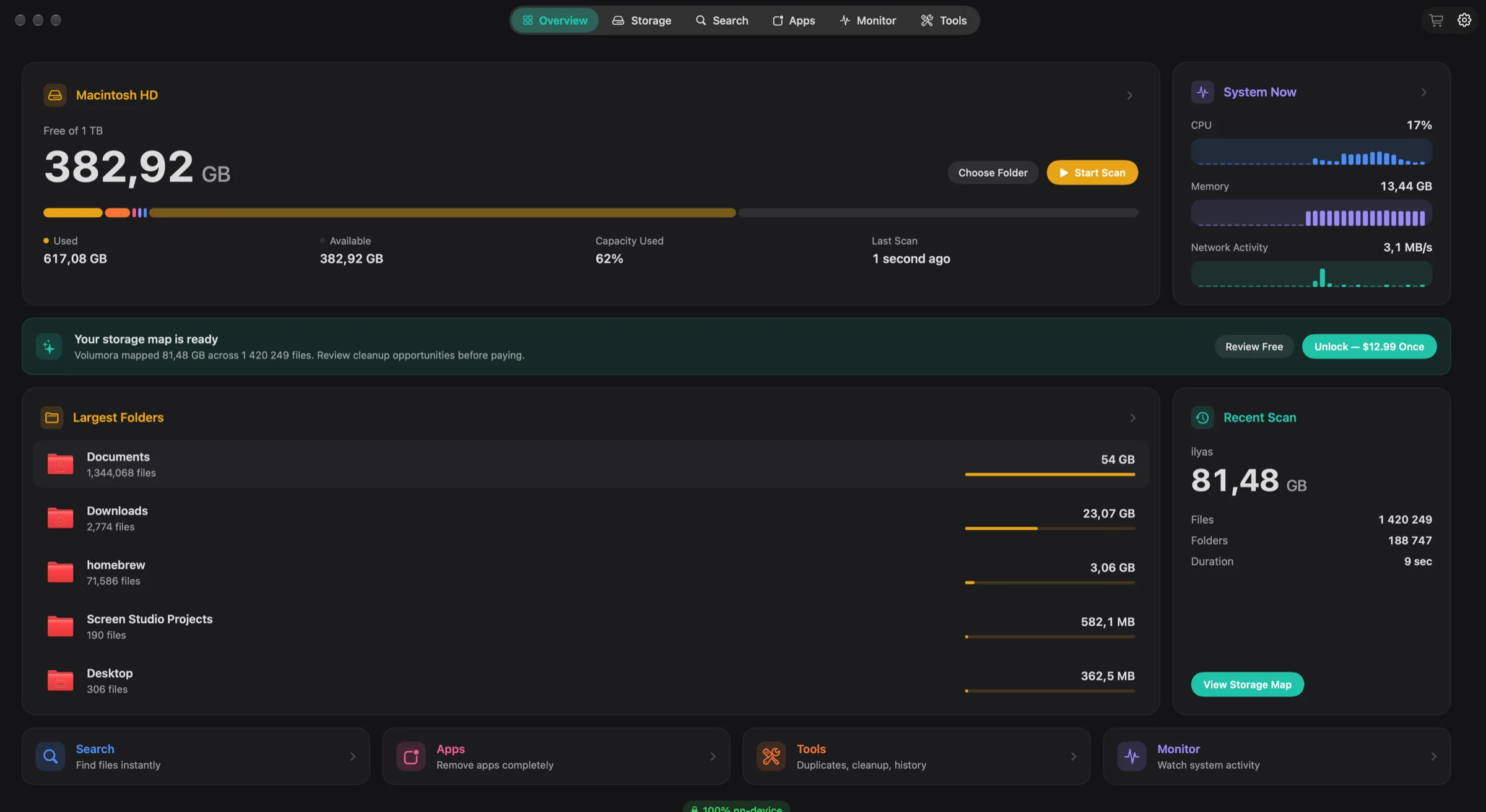
Volumora and AppCleaner, feature by feature
| Feature | Volumora | AppCleaner |
|---|---|---|
| Disk visualization | Treemap, ranked Folders and 3D views of the same scan | Not listed |
| Scanning | Parallel scanner: 1.34M files (54 GB) in 7.8 s in our benchmark | Finds files related to the app you drop in |
| Duplicate finder | Yes, matched by SHA-256 content hash | Not listed |
| App uninstaller & leftovers | Yes, with leftover discovery; moves to Trash only | Yes: drag-and-drop removal with related files; SmartDelete option |
| Live system monitor | CPU, memory breakdown, disk I/O, network, battery, top apps | Not listed |
| Dev-server Projects view | Yes: Node, Bun, Deno, Python, Ruby and more, with ports, memory and idle status | Not listed |
| Menu bar panel | Yes: health status, live tiles, per-area tabs, 4 item styles | Not listed |
| Privacy / on-device | All analysis on-device; only license activation uses the network; no analytics | Not specified on the official page |
| Pricing model | Free scan and map; one-time license for up to 3 Macs | Free |
| Platform requirements | macOS 14+, Apple Silicon and Intel | Version 3.7 needs macOS 15+; older versions for macOS 10.10 to 15 |
| Languages | English and Arabic (full right-to-left) | Not specified on the official page |
“Not listed” means we did not find the feature on the product's official pages. Checked September 2026.
Where AppCleaner is the better fit
No single app is right for everyone. These are the cases where we think staying with the other app is the better call.
- 01
You only want to uninstall apps
If removing apps cleanly is the entire job, a small free tool built for exactly that is the sensible choice. There is nothing to buy and nothing else to learn.
- 02
You are on an older macOS
FreeMacSoft keeps older AppCleaner versions available for macOS 10.10 through macOS 15. Volumora needs macOS 14 or later.
- 03
You prefer the drag-and-drop habit
Dropping an app onto AppCleaner's window is a fast, memorable workflow that many Mac users already know by heart.
Why people switch to Volumora
See the footprint before you decide
Volumora's storage map and largest-files lists show which apps and their data are actually costing you space, so you remove the ones that matter instead of guessing.
Leftovers you can review and undo
Volumora lists what an app leaves behind in Application Support, Caches, Preferences, Containers and launch items. You choose what goes, and everything moves to the Trash, so you can still change your mind.
Startup items in the same place
The Startup Items tool lists what launches in the background, which is often the other half of cleaning up after an app.
The rest of the cleanup
Duplicates matched by SHA-256 content, Smart Cleanup for caches, logs and installers, Developer Cleanup for build output and package caches, and storage history to see the trend.
A live view of your Mac
The Monitor tab and menu bar panel show which apps use your CPU, memory, disk and network right now, which is often how you decide an app should go.
Leftovers found for one app
- Application Support
- Caches
- Preferences
- Containers
- Launch items
Moves to Trash only
How to try Volumora alongside it
- 1
Keep AppCleaner if you like it; the two apps do not interfere with each other.
- 2
Download Volumora and grant Full Disk Access. Like AppCleaner 3.7, it needs this to see every leftover location.
- 3
Run the free scan and check the storage map for large application data you had forgotten about.
- 4
Choose an app to remove in Volumora and review its leftovers list before confirming.
- 5
Buy the one-time license if you want Volumora to carry out removals and the other cleanup tools.
See your own Mac before you decide.
The scan and the storage map are free. Buy the one-time license only when you want Volumora to carry out the cleanup.
- Every tool in the app
- Up to 3 personal Macs
- Future 1.x updates
- 14-day refund promise
macOS 14 or newer · Apple Silicon and Intel
Frequently asked questions
Does Volumora delete app files permanently?
No. The app and the leftovers you approve are moved to the macOS Trash. Empty the Trash when you are sure.
Why do both apps ask for Full Disk Access?
macOS protects parts of your drive, including some places where apps leave data. AppCleaner's 3.7 release notes explain that without Full Disk Access some files may fail to be removed. Volumora uses the same permission to measure and review those locations; it never uploads their contents.
Is AppCleaner free?
Yes. FreeMacSoft offers AppCleaner as a free download.
Can I uninstall apps with the free Volumora scan?
The scan and storage map are free. Uninstalling with leftover removal is one of the tools unlocked by the one-time license.